Электронные каталоги автозапчастей
и программы по диагностике, ремонту,
обслуживанию иномарок
|
Bypass Google Verification On Oukitel Wp36 Better _top_ вњ¦ Instant Download
Bobcat manual - это сборник документации на всю технику Бобкэт Bypass Google Verification On Oukitel Wp36 Better _top_ вњ¦ Instant Download: Turn on the phone, progress to the Wi-Fi configuration screen, and connect to an active internet network. Method 1: The "No-PC" Accessibility Menu Exploit (Recommended) Performing a factory reset on your Oukitel WP36 will erase all data and bypass Google verification. Here's how: bypass google verification on oukitel wp36 better Manual bypasses for modern Android versions (like Android 13 found on newer Oukitels) vary by security patch. Language & Keyboard Settings Try setting a new or enabling Screen Pinning to override the old credentials. : Turn on the phone, progress to the Look for an offline setup trigger; an option labeled will now appear at the bottom left corner. : Navigate to Security and look for Screen Pinning or directly set a new Lock Screen pattern. Language & Keyboard Settings Try setting a new If you have performed a factory reset on your Oukitel WP36 and found yourself staring at a screen that demands the Google account credentials previously used on the device, you have encountered Google’s Factory Reset Protection (FRP). It is a security mechanism built into Android that activates automatically when a Google account is registered on a smartphone. After a reset—especially one performed outside the Android Settings menu—the system requires the original owner’s Gmail address and password before allowing full access. Once a web browser is opened on the device, the restrictive walls of the setup wizard are effectively breached. The user can then navigate to a file-hosting site or a specific tool designed to disable the FRP lock. This often involves downloading an APK (Android Package Kit) file that acts as a bridge, allowing the user to access the device’s main settings menu. From there, the user can disable the screen lock or add a new Google account, effectively overwriting the previous verification requirement. It is a delicate process that requires precision; a single wrong step can force the user to restart the setup wizard from the beginning. Draw an inverted letter (Swipe up and then right) on the screen to activate Voice Commands. Say clearly: "Open Google Assistant." Once the assistant window launches, say: "Open YouTube." Step 2: Pivoting to the Device Settings Пример работы с каталогом Bobcat Service Manual: 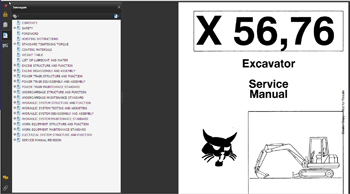 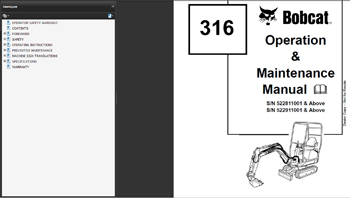 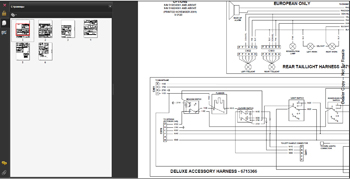 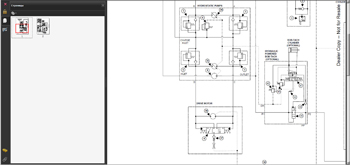 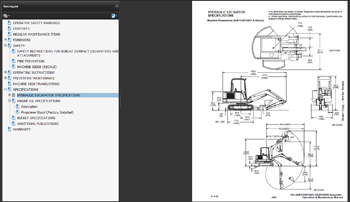 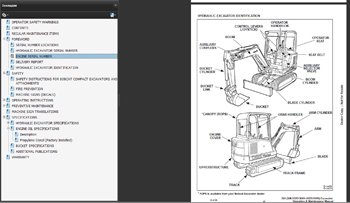 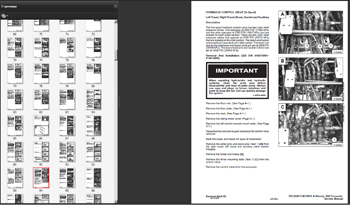 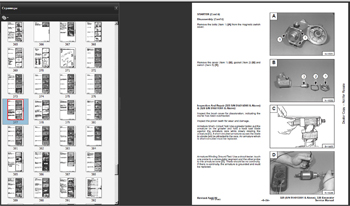 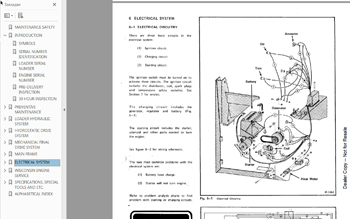
Установка: Windows XP,7, 8, 10 Дата обновления по; 12-2012 год Объем данных - 20gb (7 DVD) Стоимость каталога ремонт обслуживание и инструкции оператора Bobcat MANUAL 12-2012 ALL - 20000руб (комплект) Узнайте подробности по телефону: 8 (926) 600-50-99.
На главную. |
||||